
Agent-first, not agent-tolerant
Every command accepts --json. Multi-step flows stream NDJSON events — meta.env, tx.preview, tx.signed, tx.submitted, complete. Ask your Claude Code, Codex, or OpenClaw to use it directly.

A wallet with built-in skills, designed for Agents — whether you're OpenClaw, Hermes, or others. Stop letting your Agent piece together blockchain knowledge on its own. Keys stay local, funds stay yours.
Our Mission
Every command accepts --json. Multi-step flows stream NDJSON events — meta.env, tx.preview, tx.signed, tx.submitted, complete. Ask your Claude Code, Codex, or OpenClaw to use it directly.
owlp wallet create generates a 12-word mnemonic locally. owlp send builds the tx server-side, signs with ethers / stellar / tweetnacl on your box, and only ships the signed transaction. The API never sees a private key.
owlp ships with a built-in skill. Install the CLI once — Claude Code, Codex, OpenClaw, and the like read it and know every command, flag, and NDJSON event. No fumbling around on its own.
Only login and KYC open a browser — your agent knows what to do. Everything else — create, send, track, verify — stays in the terminal, and your agent knows how to handle it.
Use Cases
Your agent hits a paywalled endpoint and gets a 402. It pays the exact amount in USDC — up to the ceiling you set — and retries.
No keys to buy up front. It pays for what it uses.
Your client wants to pay in USDC. Ask your agent to set up a wallet and share the address.
Five minutes later, it tells you: funds received.
Three remote contractors are waiting on their pay. Tell your agent who gets what. It sends each one.
All you do is confirm the signature.
You want some USDC on hand. Give your agent the amount. It handles the card, waits for settlement,
and lets you know when it lands.
You need this month's transaction history. Your agent pulls it, formats it, hands it to you.
No logging into dashboards. No digging around.
Your USDC is spread across Ethereum, Polygon, Stellar, and more. One question. Your agent checks every chain and reports back.
Move what needs moving. Leave the rest.
Commands
Built for both humans and agents — easy to drive even when you're typing the commands yourself.
$ owlp pay https://api.premium-data.xyz/v1/report
┃  Pay — x402
│
→ Reading payment challenge...
◇  Payment preview ────────────────╮
│                                   │
│  Pay to    0x7f9c…a21             │
│  Amount    0.05 USDC              │
│  Network   Ethereum               │
│  Gas       Sponsored (facilitator)│
│                                   │
├───────────────────────────────────╯
│
◇  Pay 0.05 USDC to 0x7f9c…a21?
│  Yes
│
→ Signing authorization locally...
→ Settling via facilitator...
✓ Payment complete.
  Tx Hash  0xbe8d3…e01
x402 · Agent payments
When your agent hits an HTTP 402 mid-run, owlp pay settles it in USDC and keeps the run alive — signed on your machine, gas on the facilitator, never over the ceiling you set.
Features
From onboard to creating a wallet to sending and receiving — all in a single tool.
Settle any x402-gated URL or OwlPay checkout in USDC — sign locally, the facilitator covers gas.
owlp pay https://…One mnemonic derives addresses for seven chains — Ethereum, Avalanche, Polygon, Optimism, Arbitrum (one shared `0x…` address), Stellar (`G…`), and Solana (Base58).
owlp wallet createBuy USDC with a debit card — get a quote, confirm, and watch settlement without leaving the terminal.
owlp depositBuild, sign locally, submit. Preview fees before committing.
owlp sendPer-chain balances for the active wallet. `--chain` filters, `--address` queries any.
owlp balance --jsonInteractive picker — browse your transaction history with ease.
owlp tx listAccount, wallet, and KYC — one command runs the whole first-time setup. Browser opens only when it has to.
owlp onboardValidate an address against a chain before you send.
owlp verify --chain solana --address …Roadmap
Already in design — landing in upcoming releases.
Save addresses with names — `send 10 USDC to alice` instead of pasting hashes.
owlp contacts add alice GA5X…Buy crypto via bank account (ACH Pull) — lower fees, higher limits.
owlp deposit --method achCash out to fiat — Bank Account (ACH Pull), Debit Card (VDC), and Circle Payment Network (CPN).
owlp withdrawMove USDC freely across all seven supported chains — Ethereum, Polygon, Avalanche, Arbitrum, Optimism, Solana, Stellar.
owlp bridge --to solana --amount 100Spend USDC on real-world gift cards — search, buy, and review history from the terminal.
owlp giftcard buy --brand amazonGet started
Node 20+. Works on macOS, Linux, and WSL.
> Install https://www.owlting.com/owlp-cli for meYour Agent will read the page, install the CLI, set up skills, and walk you through onboard.
$ npm install -g @owlpay/owlp-cliOne command to install.
$ npx skills add owlting/owlpay-wallet-pro-cliLet your agent install the matching skills — once installed, it knows how to use them!
$ owlp onboardYou: Interactive CLI walkthrough to complete login, wallet, and KYC. Agent: Once step 2 is done, it already has the skills and knows how to operate.
FAQ
Help me install https://www.owlting.com/owlp-cli
$ npx skills add owlting/owlpay-wallet-pro-cliHow much balance do I have in my wallet?
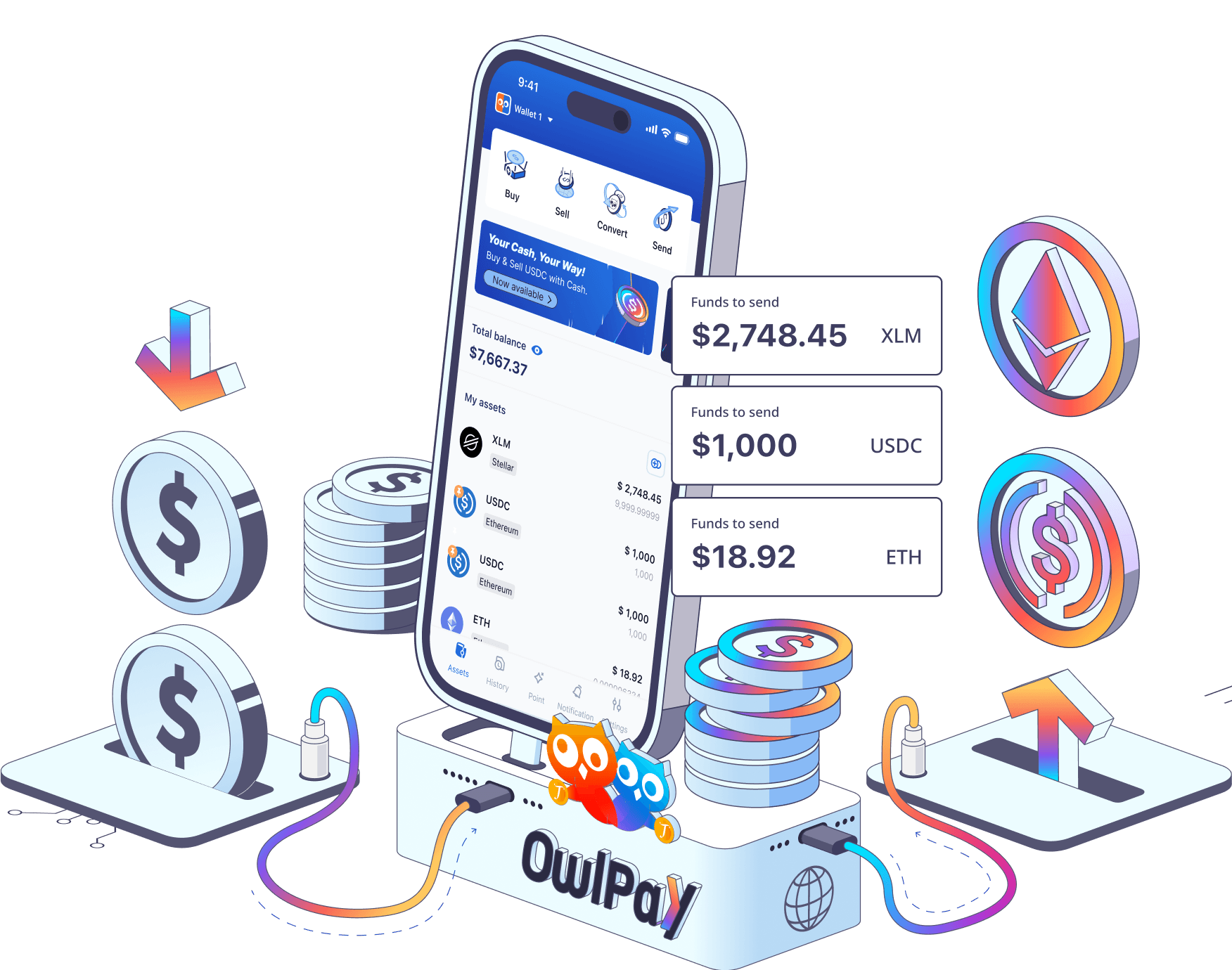
Mobile companion
OwlPay Wallet Pro is a smarter way to get started with crypto. Securely convert money, send funds globally, and manage your digital assets with ease.
Learn more about Wallet Pro

Same OwlPay SSO account, same mnemonic. Stay on top of your balances and transactions, with instant notifications on your phone.