








Buy Gift Cards with USDC Using OwlPay Wallet Pro
What OwlPay Wallet Pro Offers
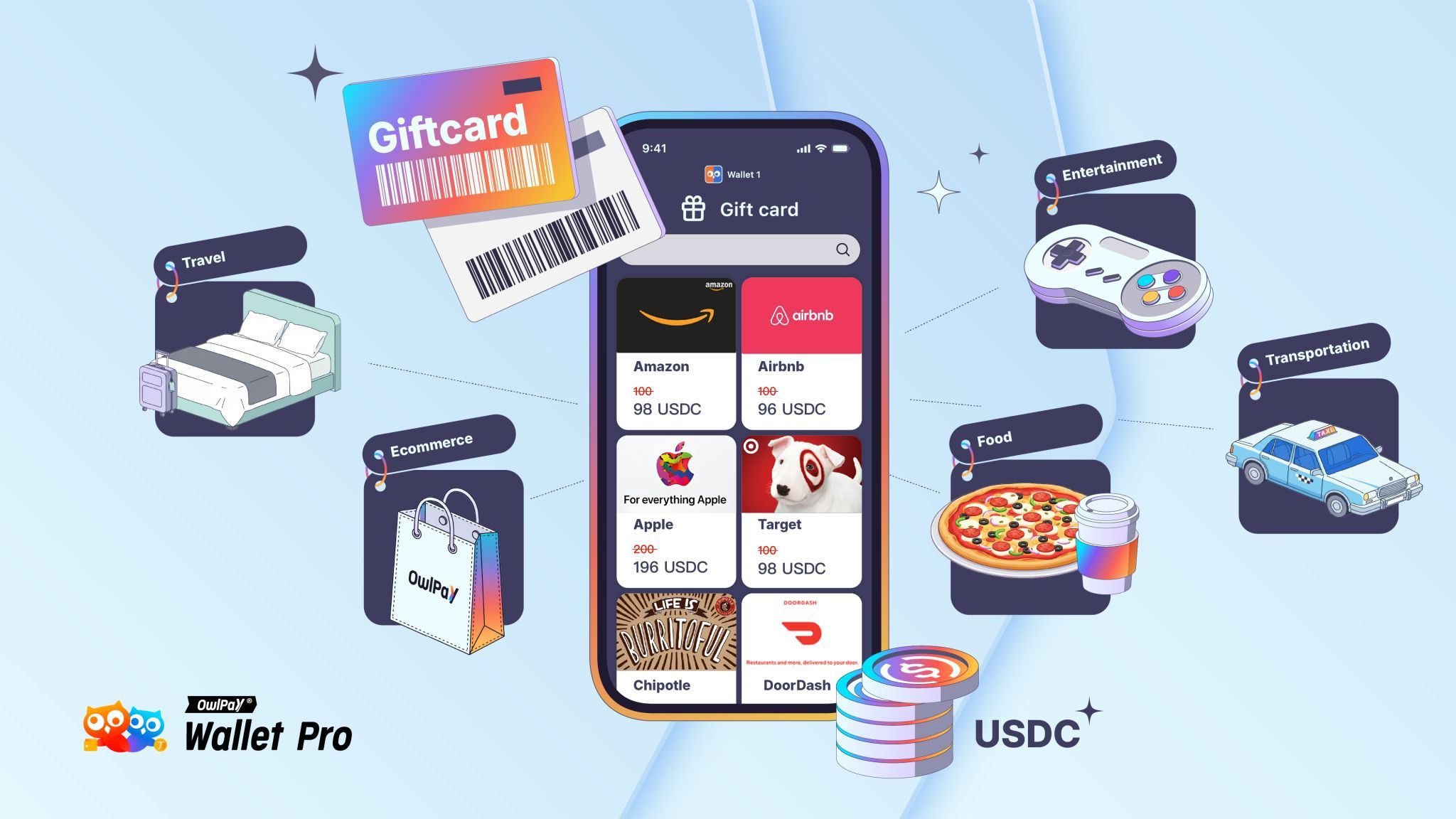
OwlPay Wallet Pro is designed to make digital assets practical for everyday life. Beyond secure storage and cross-border payments, the wallet now lets you buy popular gift cards directly with USDC. This means you can turn your stablecoins into real-world spending power in just a few taps—whether it’s shopping online, booking travel, or grabbing a coffee.
What is USDC?
USDC (USD Coin) is a stablecoin pegged 1:1 to the U.S. dollar. Unlike volatile cryptocurrencies, its value remains steady, making it ideal for daily transactions. Each USDC is backed by reserves, ensuring transparency and trust. With 24/7 blockchain availability, USDC combines the reliability of the dollar with the efficiency of digital money.
Types of Gift Cards Available
With OwlPay Wallet Pro, you can choose from a wide range of U.S. gift cards across shopping, travel, entertainment, and lifestyle categories. Some of the most popular include:
- Retail & Shopping: Amazon USA, Target USA, eBay USA, Adidas USA
- Food & Beverage: Starbucks USA, Uber Eats USA
- Entertainment & Streaming: Netflix USA, Twitch USA, Apple USA
- Travel & Services: Airbnb USA, Hotels.com USA, Lyft USA, Uber USA
- Health & Everyday Needs: CVS Pharmacy USA, Groupon USA
This variety means you can cover nearly all aspects of your daily life, from groceries to travel, directly with USDC.
How It Works
Buying gift cards with OwlPay Wallet Pro is quick and seamless:
- Browse & Select – Open OwlPay Wallet Pro, head to the Gift card section, and pick your favorite brand.
- Choose Value – Select the gift card denomination that fits your budget.
- Choose Amount – choose the quantity of gift card you want to redeem and click “Redeem”.
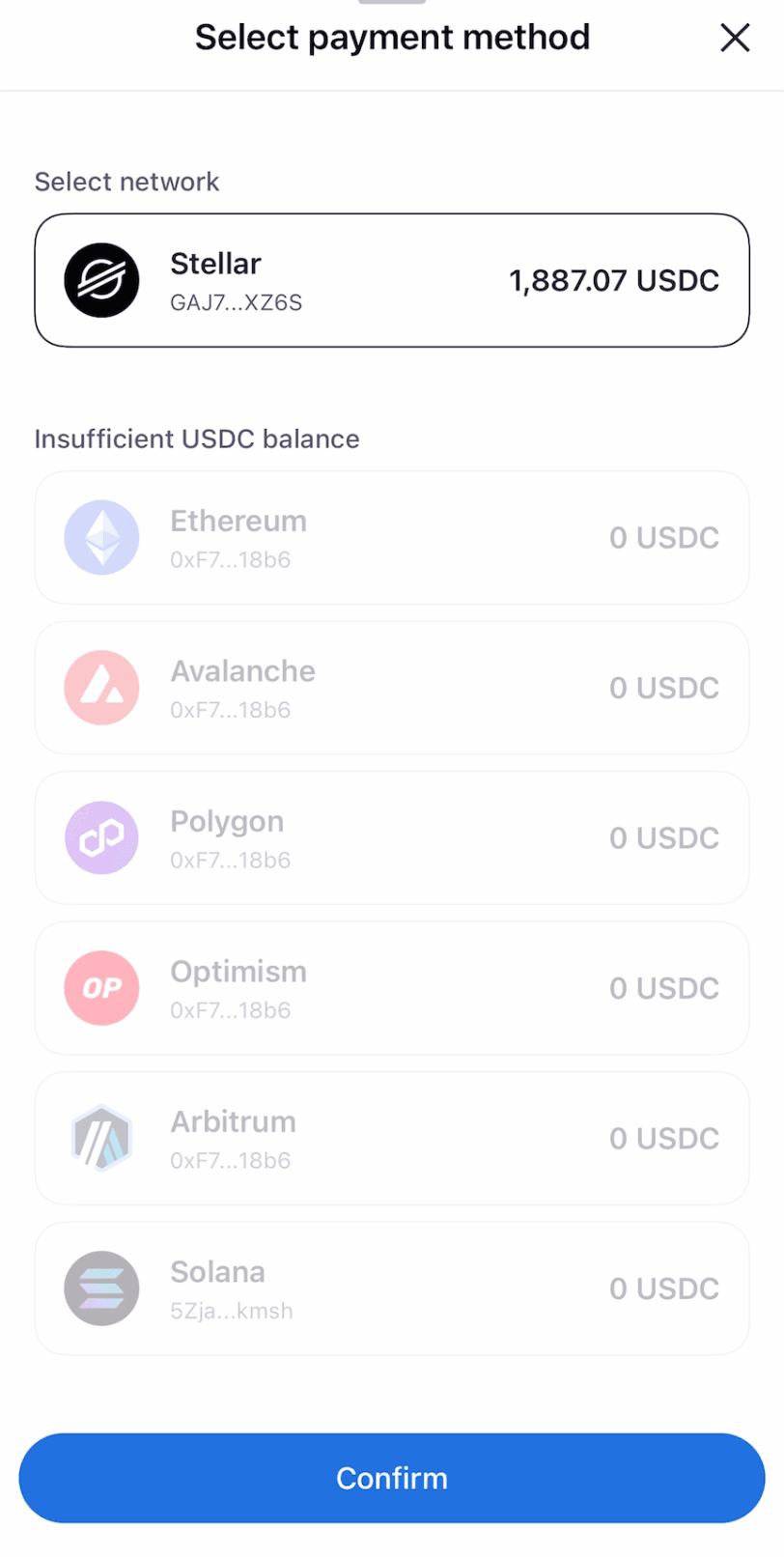
- Pay with USDC – Complete checkout using your USDC balance inside the wallet, and select network.
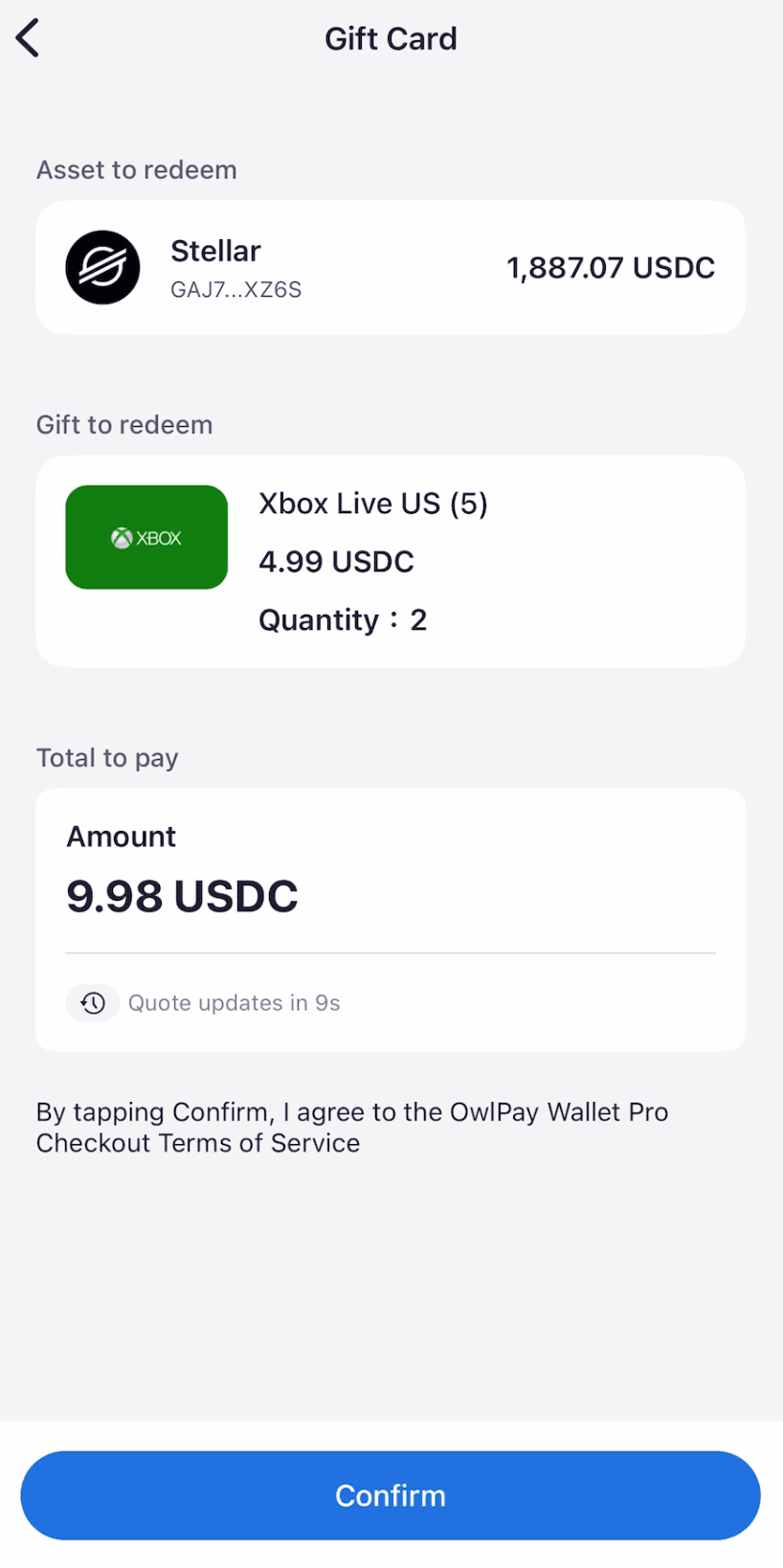
- Confirm the payment – Check your payment details and click “Confirm”.
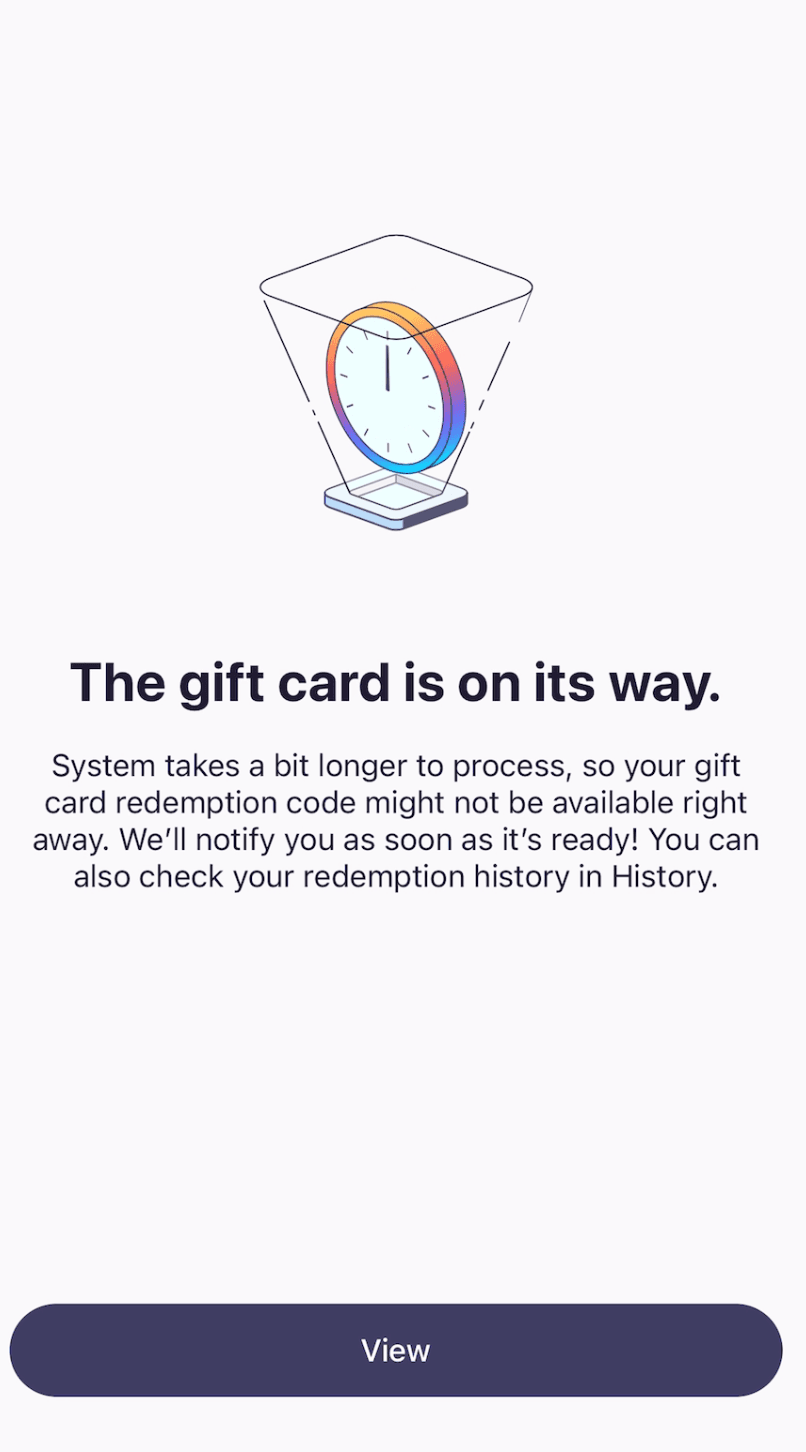
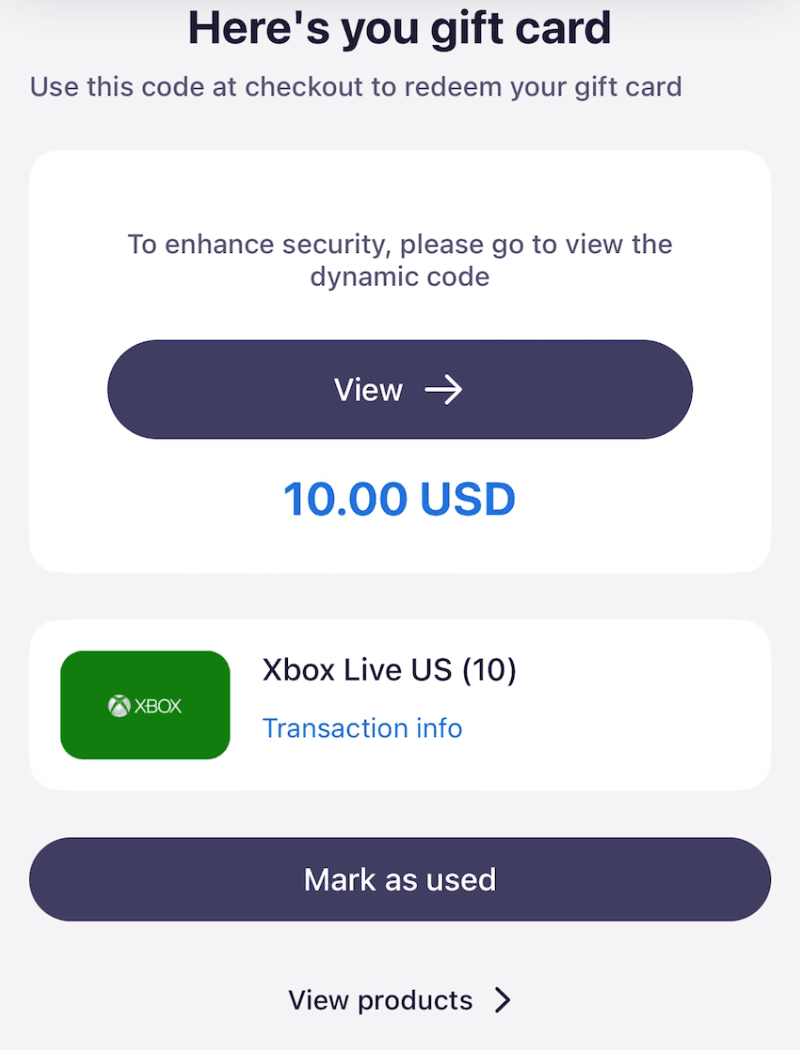
- Get Your Code – Receive the digital gift card code instantly inside the app. You can click “View” or “My Cards” to find your code.
- Redeem – Apply the code on the retailer’s physical store, website or app, and start spending.
Step-by-Step Tutorial
Here’s a simple walkthrough:
- Open OwlPay Wallet Pro and log in securely.
- Tap “Gift card” at front page.
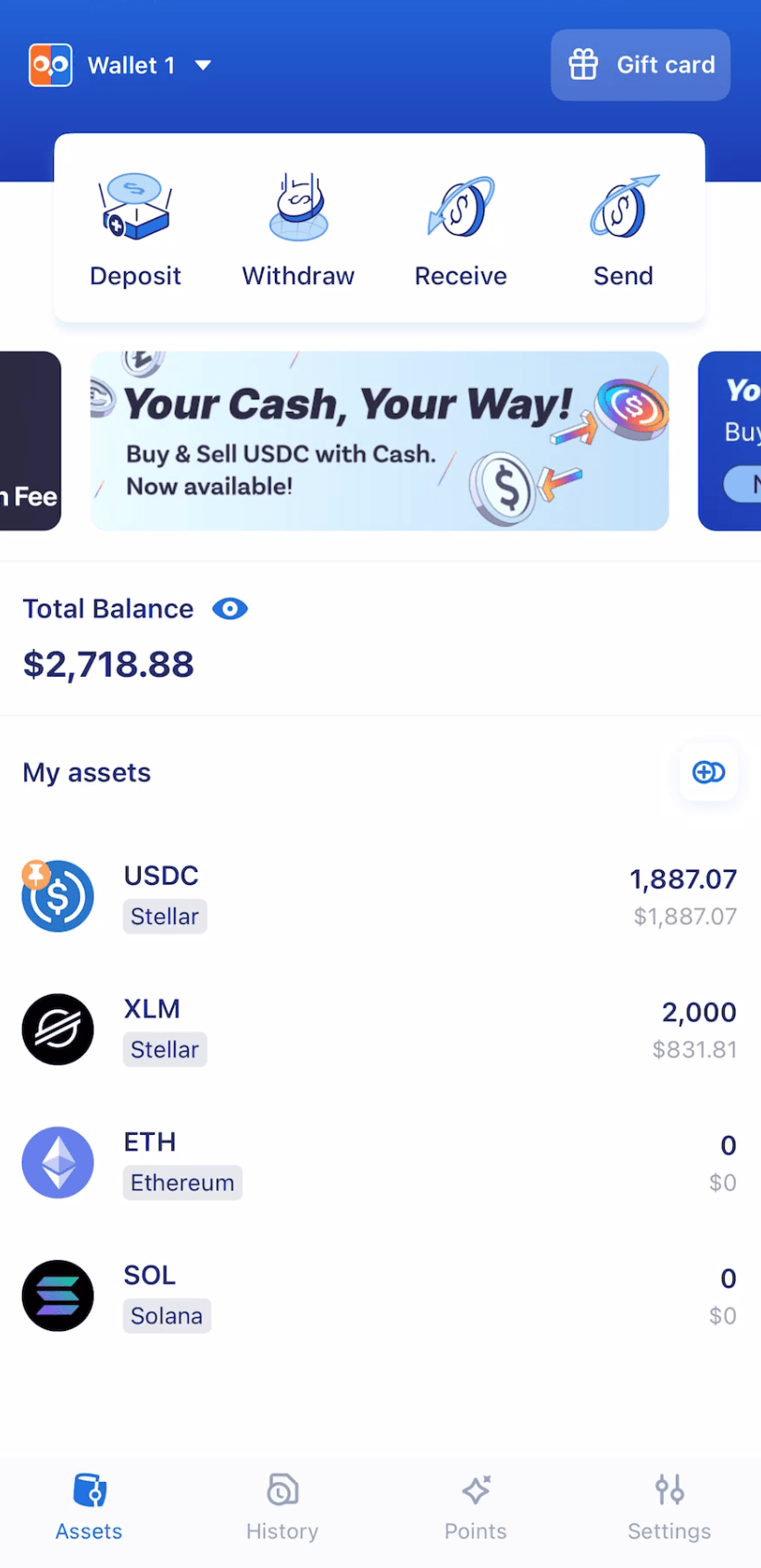
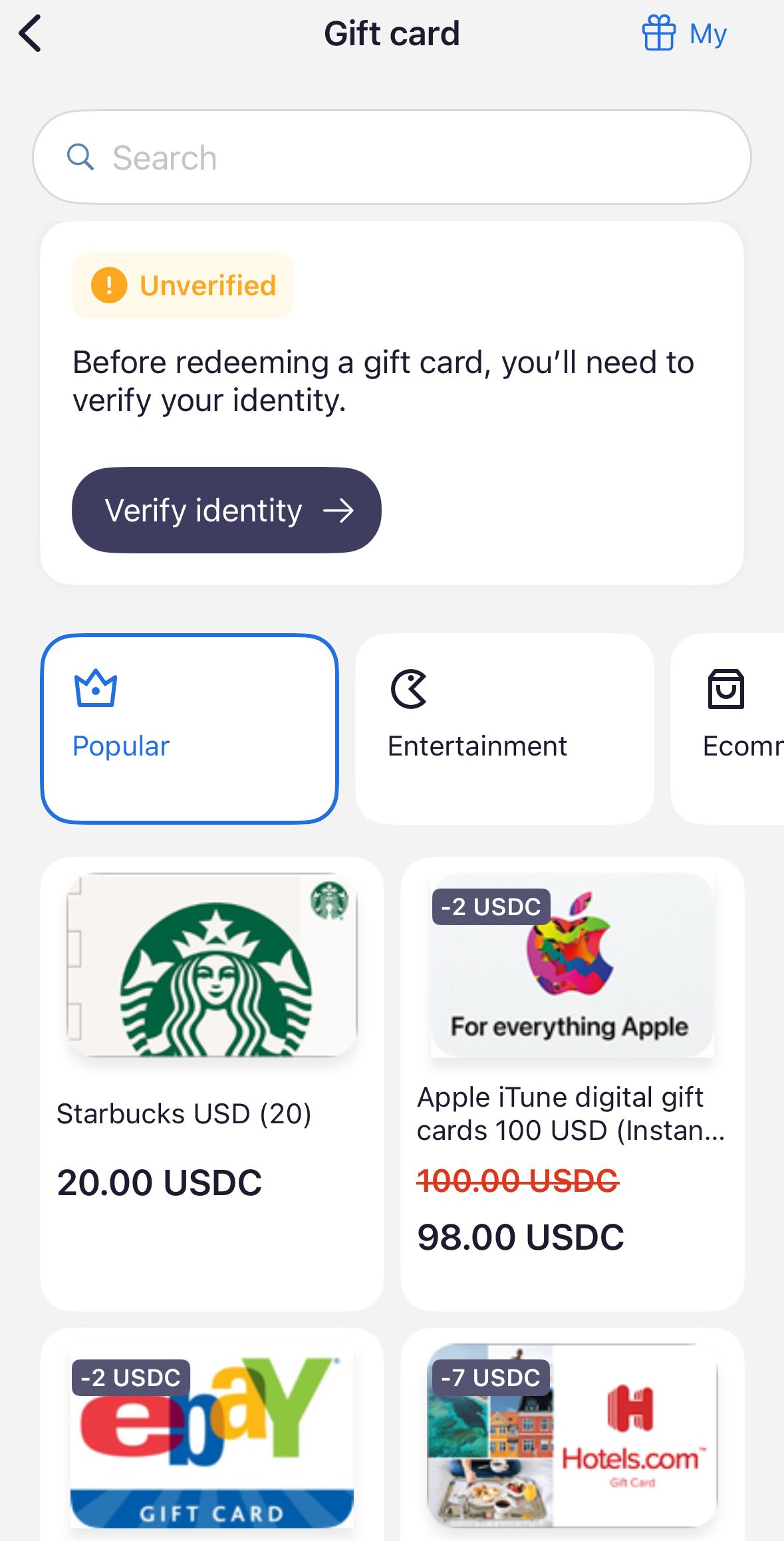
- Scroll through available brands (e.g., Amazon, Starbucks, Uber).
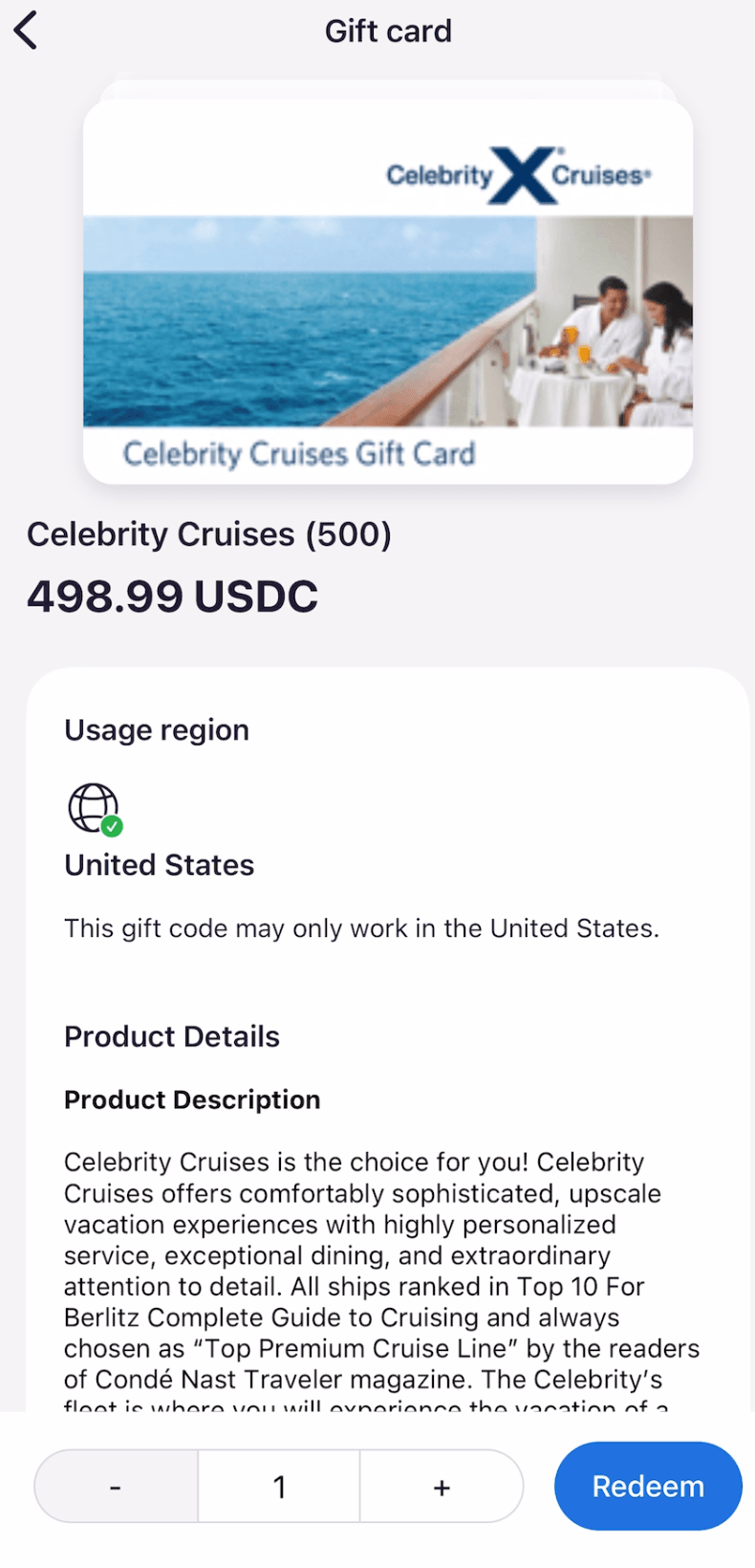
- After selecting your card, choose the amount and click “Redeem”.
- Select the network you want to pay with USDC.
- Confirm payment details and click “Confirm”.
- Wait a few seconds—your gift card code appears instantly in your wallet.
- Copy or redeem directly on the retailer’s site or app.
Final Thoughts
With OwlPay Wallet Pro, your USDC becomes more than just a digital asset—it becomes coffee at Starbucks, a ride with Uber, or your next Airbnb stay. Gift cards unlock the ability to spend USDC in the real world effortlessly, giving you the freedom to shop, travel, and enjoy everyday experiences without extra steps.
Disclaimer: All trademarks are the property of their respective owners. OwlPay Wallet Pro operates independently and is not affiliated with these brands.