








OwlPay Introduces OwlPay Cash for International Transfers, Enhancing OwlPay’s Global Sending Capabilities

We are pleased to introduce OwlPay Cash, a service now available to users who need a simple and reliable way to send money abroad. Our goal is to make cross-border transfers feel intuitive and approachable, while maintaining the security and transparency users expect from OwlPay.
It offers a straightforward person-to-person transfer experience, allowing users to send money directly to the people who matter most.
 (This image was generated with the help of AI)
What Is OwlPay Cash
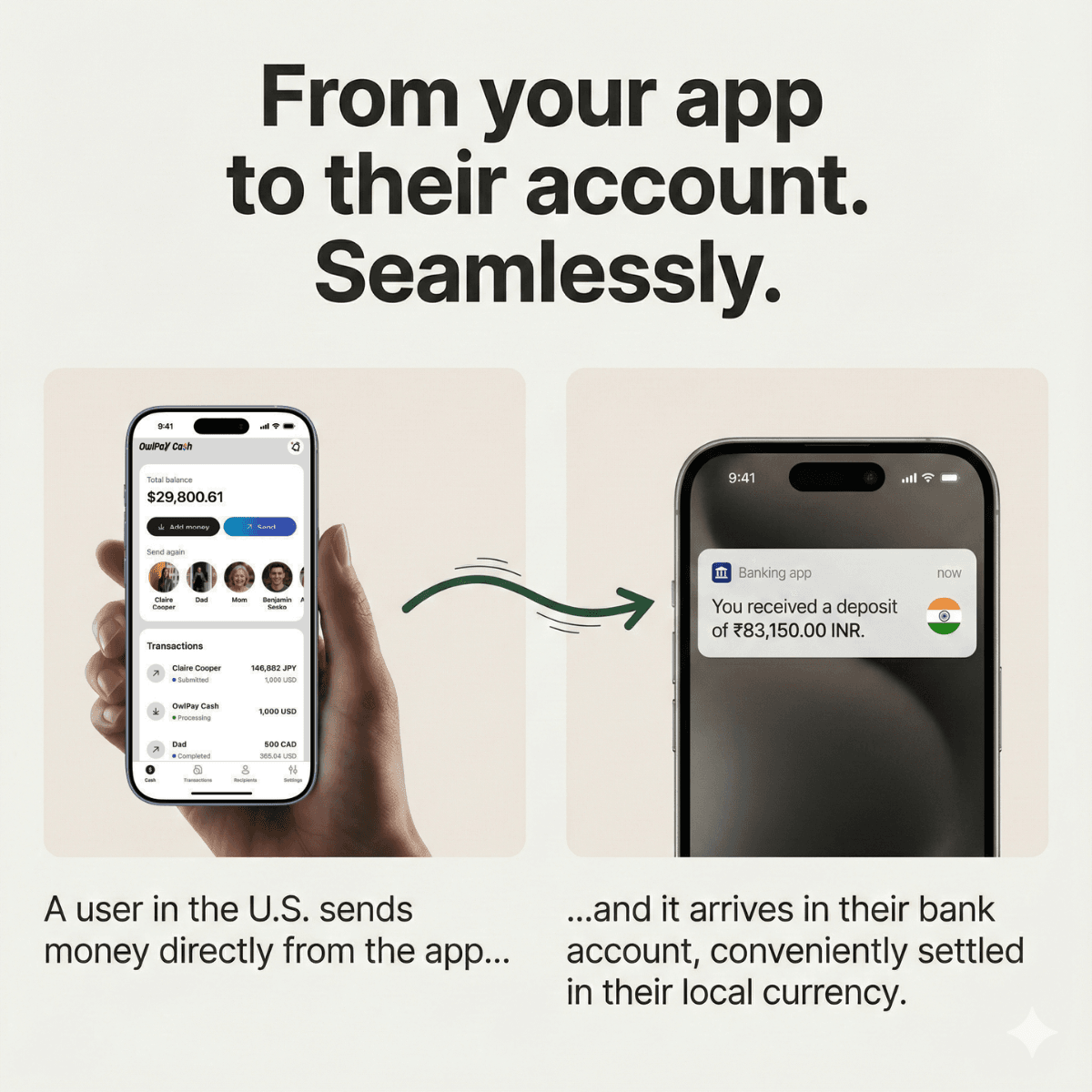
OwlPay Cash lets users send money to family and friends in more than twenty supported countries and regions. The transfer arrives in the recipient’s local bank account in their domestic currency, making it suitable for everyday needs such as supporting family members abroad or sending money to a child studying overseas.
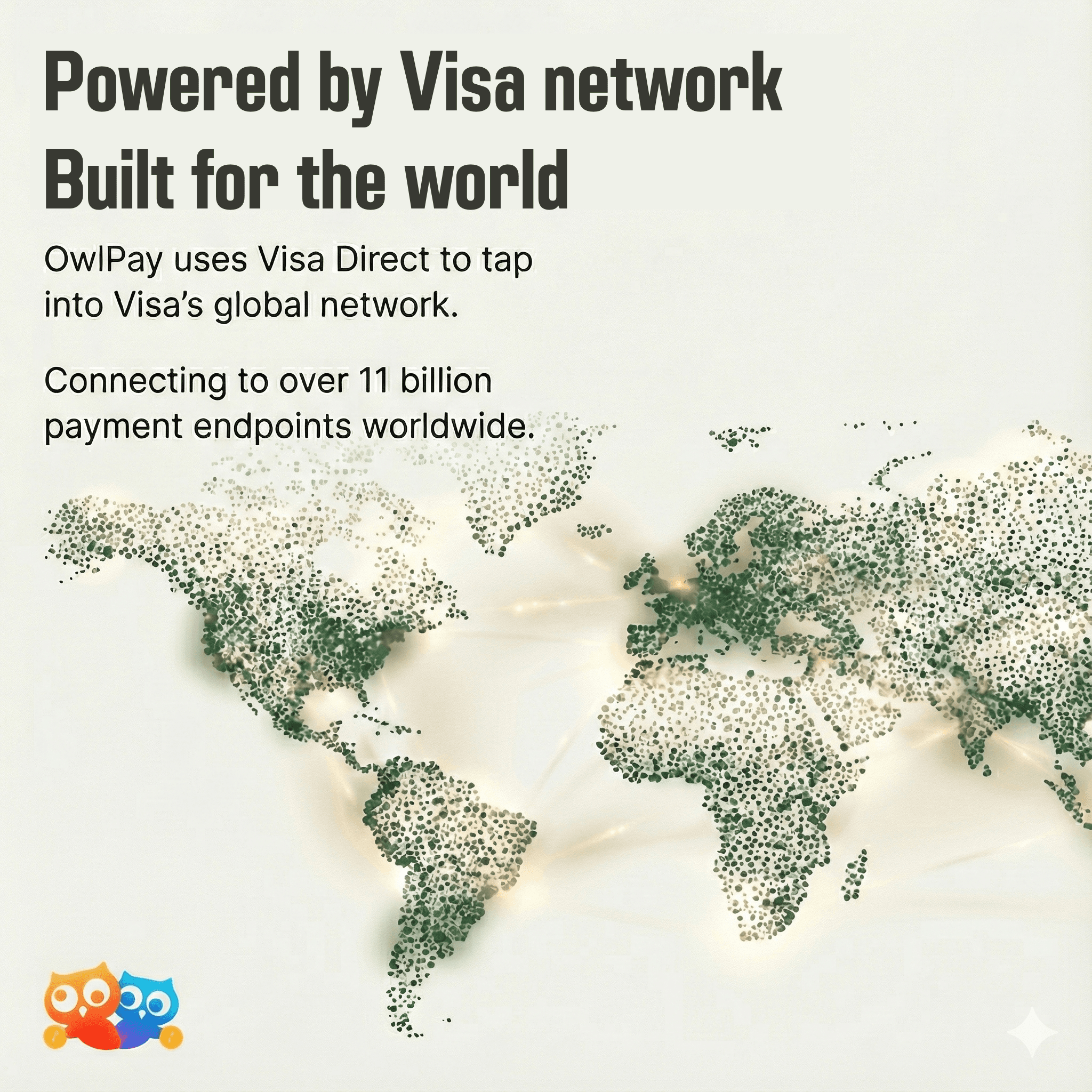
OwlPay Cash is enabled by Visa Direct and supported through the Visa network, a world leader in digital payments. This integration allows transfers to move through a stable payout network and helps ensure that funds reach recipients smoothly.
Key Features
Fiat to Fiat Conversion
OwlPay Cash converts the transferred amount into the local currency of the recipient, providing clarity for both the sender and the receiver.
Security Features
The service includes biometric authentication and two way encryption to help protect account access and transaction details.
Transparent Pricing
Exchange rates and fees are displayed before each transfer is confirmed. Users can check the estimated transaction fee through the in app calculator to understand the cost in advance.
 (This image was generated with the help of AI)
Supported Countries and Regions
OwlPay Cash supports transfers to more than twenty countries and regions. Coverage will continue to expand as new corridors become available.
Getting Started
Step 1: Create your account. Sign up and link your bank account.
Step 2: Add money. Choose the funding method that works best for you.
Step 3: Make a transfer. Select a recipient and complete the transaction.
By offering both OwlPay Cash and OwlPay Wallet Pro, OwlPay provides users with more flexible options for moving money globally.