








Buy and Sell USDC with a Debit Card in OwlPay Wallet Pro
TL;DR
OwlPay Wallet Pro supports multiple ways to move in and out of USDC, helping users move between local currency and stablecoins more easily.
Users can add or move funds through multiple methods, including debit cards, credit cards, bank transfers, and cash in or cash out at participating MoneyGram locations.
Buy and Sell USDC with a Debit Card in OwlPay Wallet Pro
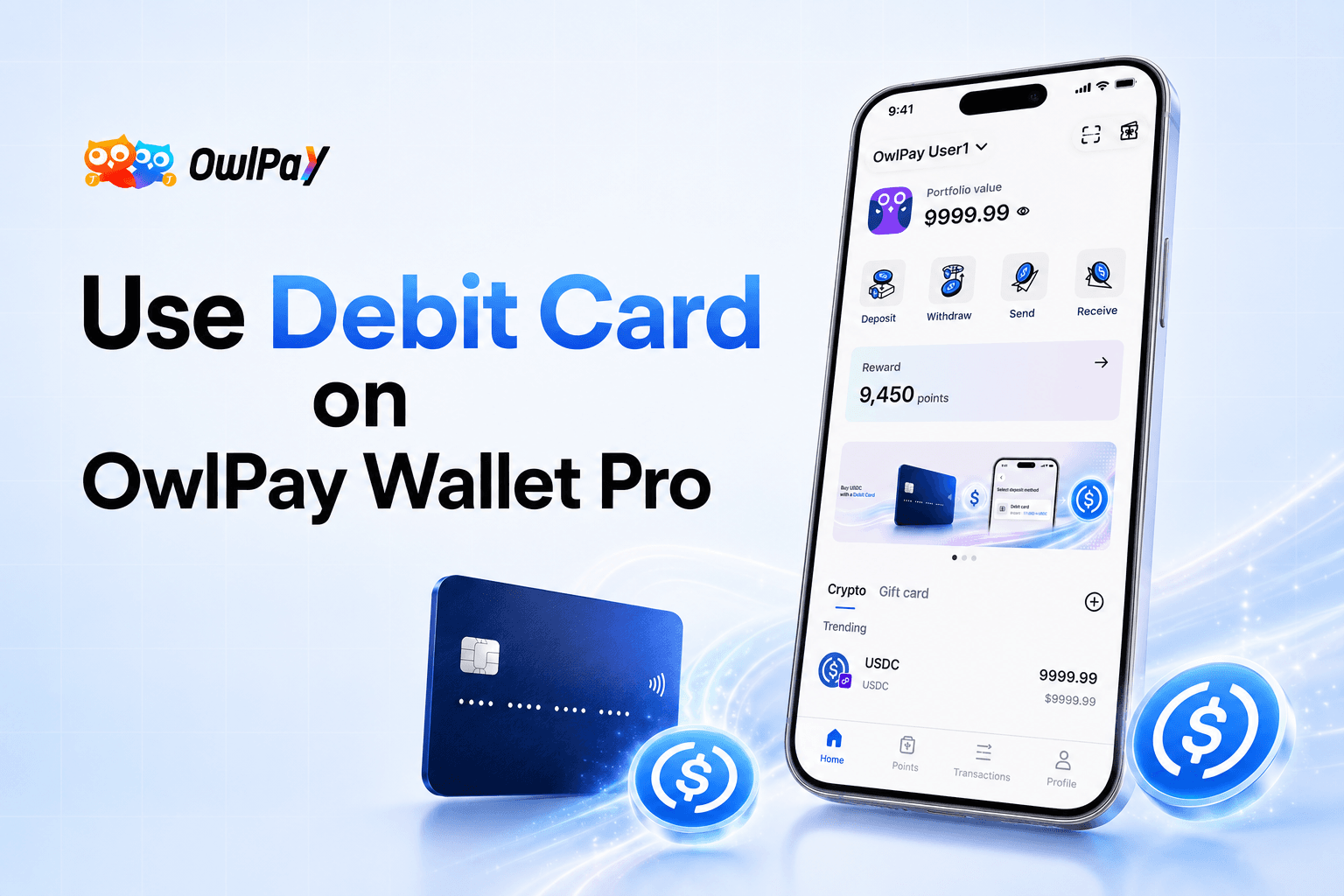
OwlPay Wallet Pro now supports debit card on and off ramp flows, giving users a familiar way to move between local currency and USDC.
For many users, buying USDC should not feel complicated. They want a simple way to add funds, access stablecoins, and move value when needed. Debit card access helps make that experience more familiar by connecting stablecoin on and off ramp flows with a payment method people already know.
With debit card on ramp, users can add funds and convert USD into USDC through a card based flow.
With debit card off ramp, users can move from USDC back toward local currency through supported flows.

(Seamlessly swap USD and USDC on OwlPay Wallet Pro.)
Why Use a Debit Card to Deposit or Withdraw USDC?
Debit cards are already part of everyday payment behavior. For users who are new to stablecoins, using a debit card can feel more direct than starting from a traditional exchange first flow.
Instead of going through a traditional exchange or applying for a new account, users can use an eligible debit card already in their wallet, such as a Visa or Mastercard debit card, to access USDC in OwlPay Wallet Pro.
This makes the flow easier to understand.
Users can move from local currency to USDC when they want to add funds. They can also convert from USDC back toward local currency when they need cash or want to use funds outside the wallet.
The goal is to make stablecoin access feel closer to the payment methods users already know.
How Does Debit Card USDC On-Ramp Work in OwlPay Wallet Pro?
OwlPay Wallet Pro connects USDC with eligible debit card flows through the Visa network (VDC).
This matters because card based money movement has become an important part of modern payment infrastructure. Instead of treating debit cards only as a checkout method, card based rails can also help move funds faster between accounts, cards, wallets, and digital value.
OwlPay Wallet Pro brings this familiar debit card experience into stablecoin access, helping users move between local currency and USDC.
What Are the Advantages of Using a Debit Card for USDC On and Off Ramp?
Using an eligible debit card can make USDC access feel more familiar, simple, and direct.
Compared with a traditional exchange first flow, debit card access can reduce the number of steps users need to take before they can start using USDC.
Compared with credit card options, debit card flows may offer a more cost efficient way to add funds, depending on availability and applicable fees.
Compared with bank transfer options, debit card access can feel faster and easier for users who prefer card based payment methods.
With OwlPay Wallet Pro, users can choose an eligible debit card as an available method to add funds and access USDC.
The flow is designed for users who want a familiar way to move from local currency into USDC through on ramp, or move from USDC back toward local currency through available off ramp options.
More Ways to Add or Move Funds
Debit card is one of several ways to move funds with OwlPay Wallet Pro.
Users can also choose other available methods, including:
- Debit card
- Credit card
- Bank transfer, including ACH and wire
- Cash in or cash out at participating MoneyGram locations
This gives users more flexibility depending on how they prefer to add funds, move funds, or access stablecoins.
Every user may have a different preferred payment method. Some may prefer the speed and familiarity of debit cards. Others may prefer bank transfers, credit cards, or cash options.
OwlPay Wallet Pro gives users more ways to move between local currency and digital assets, making it easier to get started with stablecoins and use them in everyday payment flows.
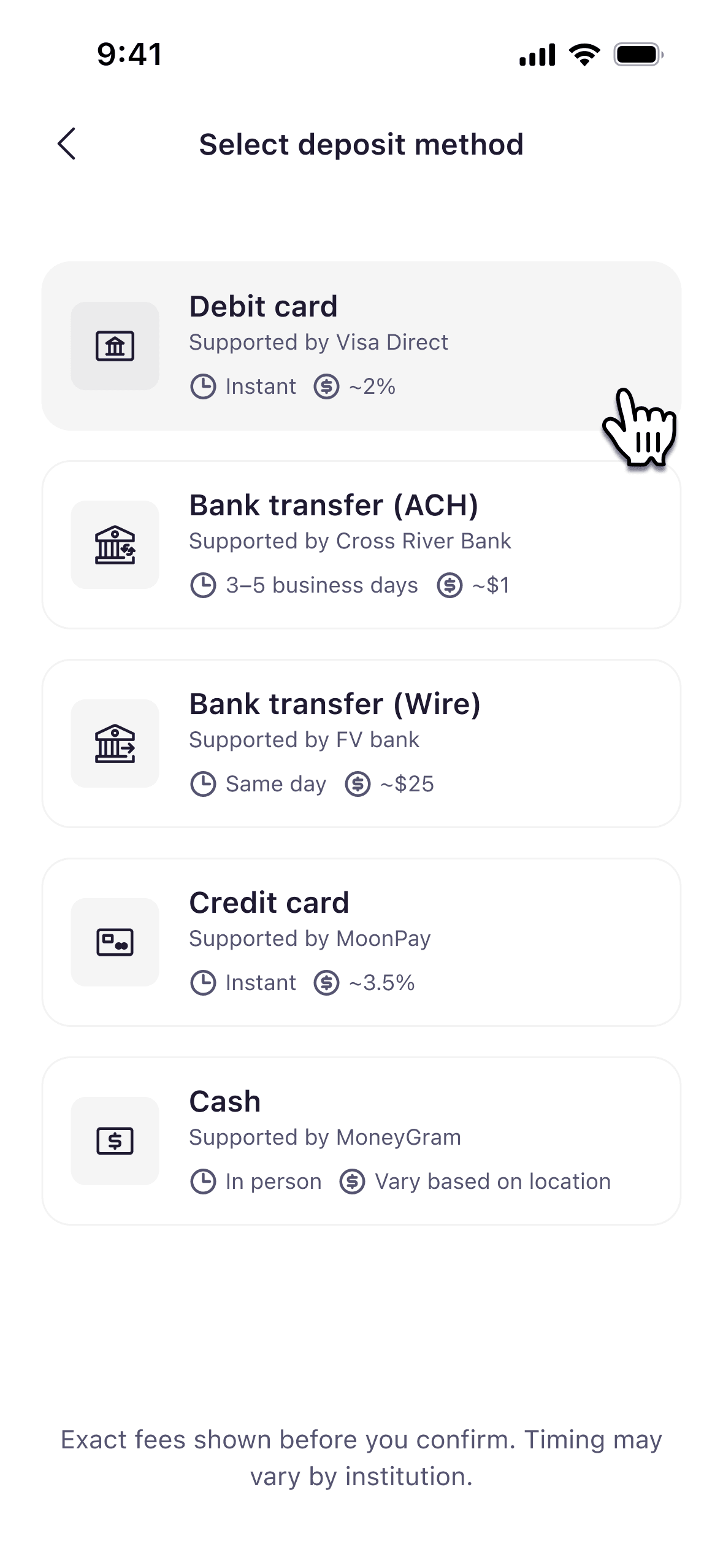
(OwlPay Wallet Pro supports various on/off-ramp methods. (Image shown: OwlPay Wallet Pro demo screenshot))
Try OwlPay Agent Wallet: Let Your AI Agent Help You Take Action
In the AI era, AI Agents are becoming more than tools for searching information.
They are starting to help users compare options, prepare actions, and move closer to completing real tasks. But there is one missing layer between search and action: payment.
This is why every agent needs a wallet. OwlPay Agent Wallet is a Web3 wallet experience designed for AI Agents.
Imagine asking an AI Agent to search for hotels, compare prices, and find an option that fits your location and budget. In the past, you might still need to open a booking website, search again, enter payment details, and complete the process yourself.
With OwlPay Agent Wallet, the AI Agent can help send funds, receive funds, or manage assets through natural language based on the user’s instruction. The user still reviews and confirms the action before anything happens.
When the wallet balance is not enough, the user can also ask the AI Agent to help execute a deposit flow. For example, users can ask the AI Agent to help connect a debit card and complete an on ramp or off ramp flow.
Learn more about OwlPay Agent Wallet:
https://owlti.ng/2p9Fo
How to install OwlPay Agent Wallet:
https://youtube.com/shorts/hyQCf8UOhlQ
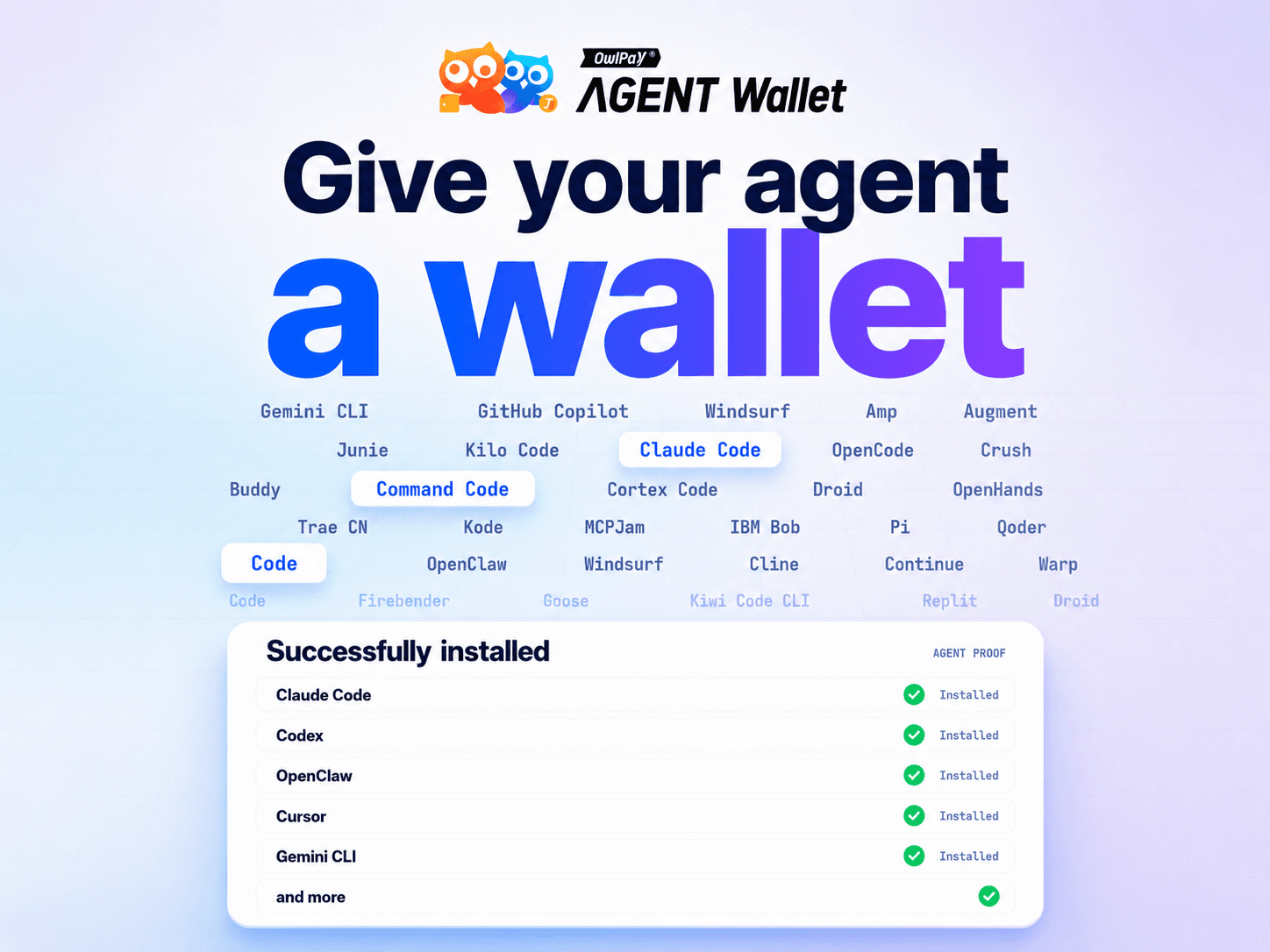
(OwlPay Agent Wallet supports multiple agents including OpenClaw, Hermes Agent, Claude Code, Codex, and more.)
Use Stablecoins More Freely with OwlPay Wallet Pro
OwlPay Wallet Pro is not only for buying or selling USDC. Users can also send and receive stablecoins, manage supported digital assets, and use additional features such as crypto gift cards and send-to-fiat flows.
For users who already hold USDC, OwlPay Wallet Pro also provides gift card options that do not require KYC to get started, with daily limits. Users can convert USDC into gift cards from everyday brands such as Starbucks, Target, Nintendo, and more.
This gives users a practical way to use USDC without going through a full off ramp flow first.
Learn how to get gift cards:
https://owlti.ng/2p9Fl
OwlPay Wallet Pro also supports send-to-fiat flows.
For example, when users want to send money to family or friends, they can send USDC through OwlPay Wallet Pro and help the recipient receive funds in local currency to a supported bank account.
The recipient does not need to understand blockchain or hold a wallet to receive funds in local currency.
Read the Send-to-Fiat article:
https://owlti.ng/2p9FS

(Send USDC via OwlPay Wallet Pro and let your recipients receive payouts in their local currency.)
Start Using OwlPay Wallet Pro
OwlPay Wallet Pro now supports more ways to buy, sell, send, receive, and use stablecoins.
With debit card on and off ramp, credit card, bank transfer, cash in and cash out, gift cards, send-to-fiat flows, and OwlPay Agent Wallet support, users can move between local currency and USDC in a way that feels more familiar and practical.
Download OwlPay Wallet Pro:
https://owlti.ng/2p9Fk
FAQ
What on and off ramp methods does OwlPay Wallet Pro support?
OwlPay Wallet Pro supports multiple ways to move between local currency and digital assets where available, including debit card, credit card, bank transfer options such as ACH and wire, and cash in or cash out at participating MoneyGram locations.
Can I buy USDC with a debit card in OwlPay Wallet Pro?
Yes. Users can use OwlPay Wallet Pro to on ramp and access USDC through eligible debit card flows, while enjoying a fast and cost efficient service.
Can I sell USDC with a debit card in OwlPay Wallet Pro?
Yes. Users can use OwlPay Wallet Pro to off ramp from USDC back toward local currency through eligible debit card flows, while enjoying a fast and cost efficient service.
Why use a debit card to buy stablecoin?
A debit card gives users a familiar way to access stablecoin without starting from a traditional exchange first flow.
Can I use USDC for gift cards in OwlPay Wallet Pro?
Yes. Users who already hold USDC can use OwlPay Wallet Pro to buy gift cards where available. Gift card access does not require KYC to get started, with daily limits.
Can I send USDC to someone who does not have a wallet?
Yes. OwlPay Wallet Pro supports send-to-fiat flows. This allows users to send USDC and help recipients receive funds in local currency to a supported bank account.
Can an AI Agent help me use OwlPay Wallet Pro?
Yes. With OwlPay Agent Wallet, users can ask an AI Agent to help prepare actions such as sending or receiving funds through natural language. Users can also use OwlPay Agent Wallet to let the AI Agent help prepare a debit card on ramp flow to access USDC. The user still reviews and confirms the action before anything happens.