








New Feature: Send to Fiat, Even Without Gas | OwlPay Wallet Pro

One of the most common headaches with stablecoins is exactly this: You're ready to send USDC to a bank account, but your wallet lacks the native tokens (like ETH or SOL) needed for the network fee. So you have to stop, go buy some native tokens elsewhere, transfer them in, and only then can you complete the send. It's extra hassle, extra time, and extra steps that make simple transfers feel anything but simple.
💡 Imagine this:
You’re in the U.S. and you want to send USDC to your family in Mexico—but the goal isn’t for them to receive crypto. You want them to get Mexican pesos directly in their local bank account, ready to withdraw or spend.
With Send to Fiat, you enter the recipient details, choose the payout currency, and send—even if your wallet has zero native tokens. No last-minute ETH/SOL top-ups, no extra transfers, and no switching apps. Just one smooth flow from USDC to local currency, end to end.
Send Across Borders Without the Gas Hassle
OwlPay Wallet Pro already enables direct USDC sends from your wallet to real bank accounts in multiple countries, with recipients receiving local currency quickly and securely—no exchanges or P2P risks involved.
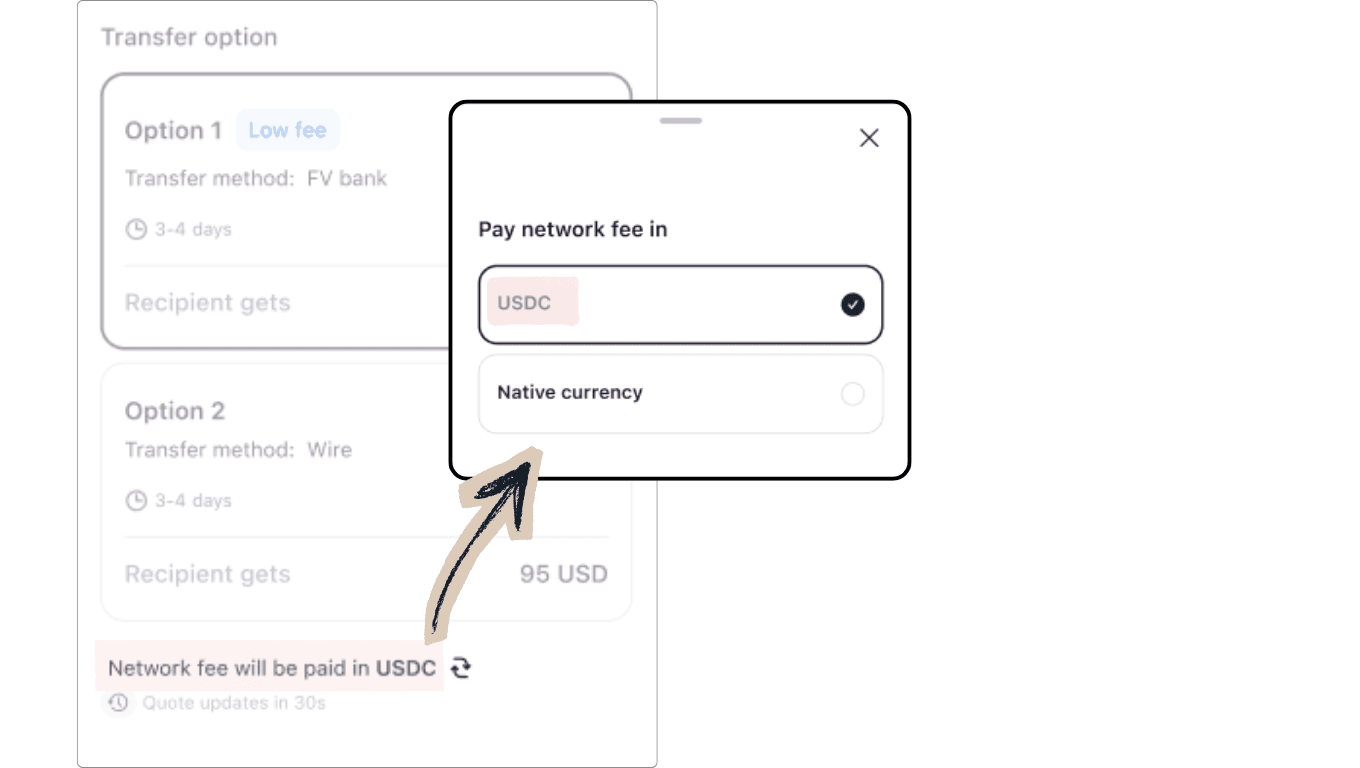
Now, with the Pay Network Fees in USDC option, it’s even more convenient and simple!
No native tokens? No problem! Just have USDC ready in your wallet, and you can send without any hassle.
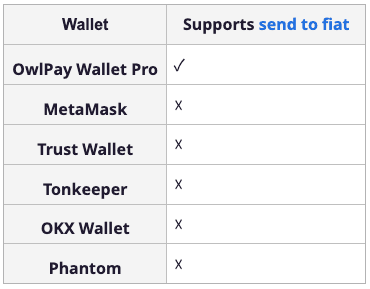
(Information above is sourced from official wallet documentation/pages and may change by version, region, token pair, and rollout status.)
Why This Matters in Real Life
No more forced detours to acquire native tokens:
- Sending support to family or friends abroad who rely on bank accounts? Just send—no prep required.
- Transferring funds to yourself for travel expenses in local currency? Instant and uninterrupted.
- Making time-sensitive payments to international contractors or vendors? Get it done quickly and reliably.
This keeps the focus where it belongs: on getting the money delivered fast and easily, without the usual crypto barriers.
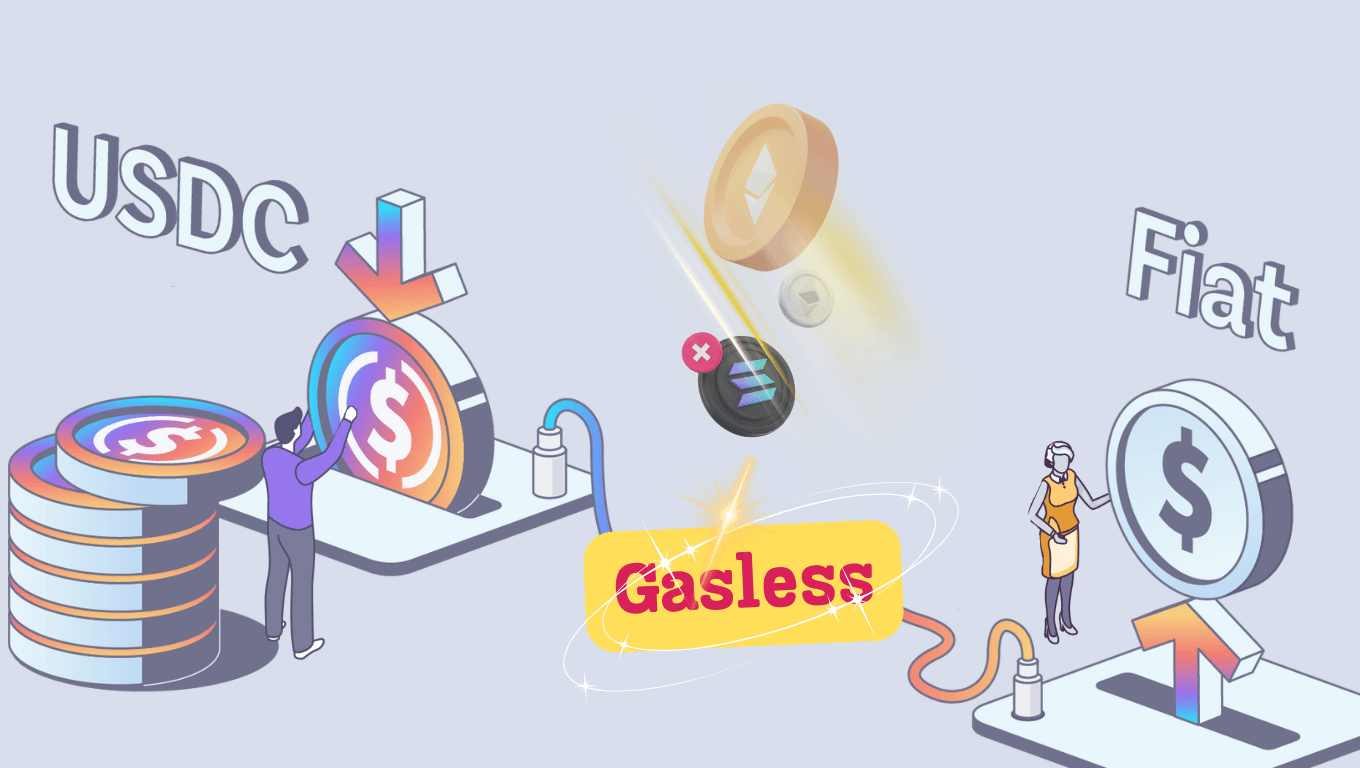
How to Use Send to Fiat (Gasless for Native Tokens)
Available right now in your OwlPay Wallet Pro app:
- Tap Send
- Select a recipient
- Choose network
- Choose your delivery option (e.g., Wire, FPS, CHATS etc.)
- When reviewing the quote, select the pay network fee in USDC option
- Review the estimated arrival time, exchange rate, and fees (network fee paid in USDC and included)
- Confirm and send
Check out our full step-by-step tutorial here:
(Chains that support gasless: Ethereum, Avalanche, Polygon, Optimism, Arbitrum, Solana, Stellar)
Ready to make transfers to loved ones overseas feel effortless?
With pay network fee in USDC, Send to Fiat wipes out the biggest friction: You don't need to buy native tokens first.
Just have USDC in your wallet, and you can complete the transfer seamlessly—even if native gas tokens are nowhere in sight.
More convenient. Faster. Truly user-friendly for everyday cross-border needs.
👉Download OwlPay Wallet Pro. Your next international send just became effortless.
.
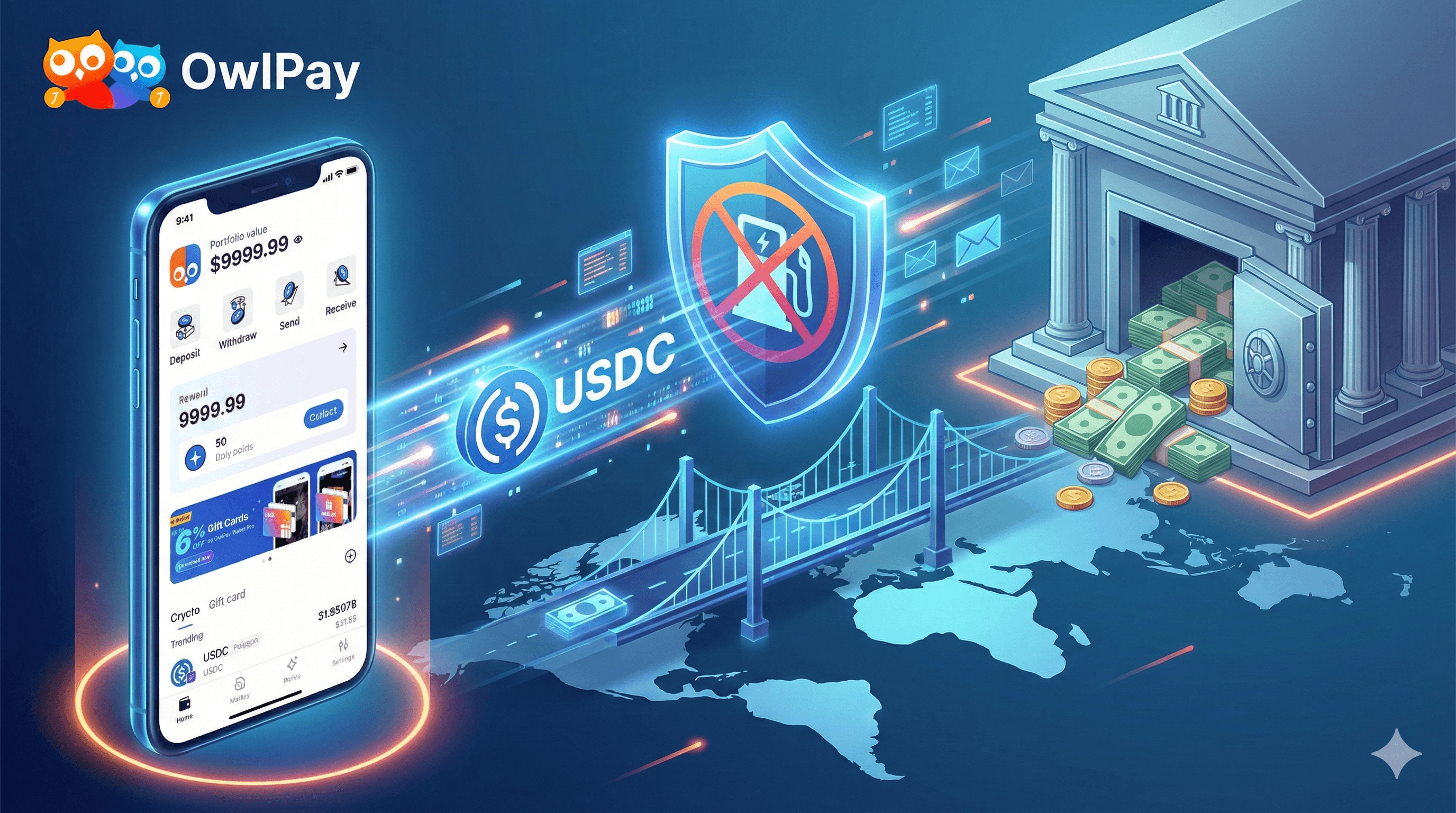
(Images shown are AI-generated. They are for informational and illustrative use only.)